Table of contents
Engaging students through interactive learning tools has become an essential part of modern education, especially for younger learners who respond best to visual and playful activities. A set of powerpoint presentation templates designed in the style of “Who Wants to Be a Millionaire” offers teachers an exciting and effective way to present educational questions. This 37-slide game-based template is fully editable, visually appealing, and ideal for classroom quizzes, review sessions, and fun competitions. It transforms routine lessons into lively challenges that boost motivation and participation.
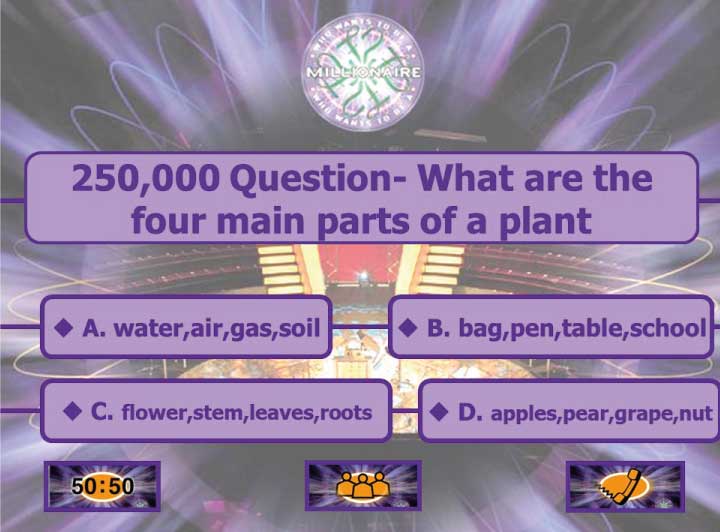
PowerPoint Presentation Templates Designed for Fun, Game-Based Learning
These powerpoint presentation templates replicate the familiar structure of the classic Millionaire game, giving children an instantly recognizable and enjoyable experience. Each slide presents a multiple-choice question with four answer options, paired with dynamic visuals and engaging transitions. By turning knowledge checks into a game, the template stimulates curiosity, encourages guessing with confidence, and keeps students excited throughout the activity.
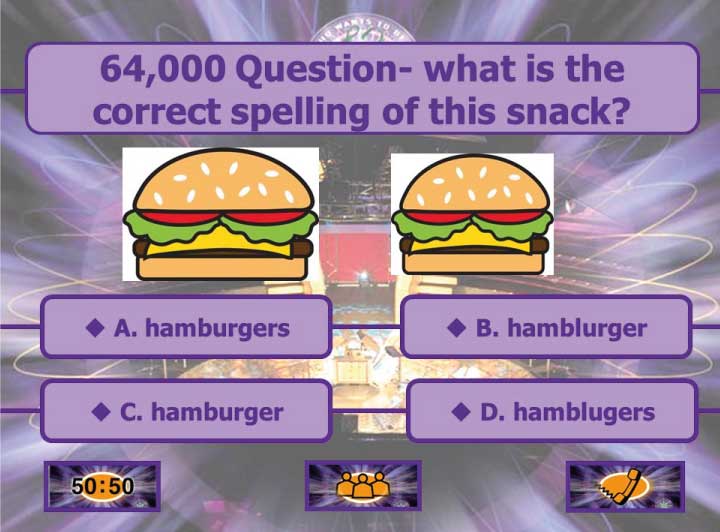
PowerPoint Presentation Templates That Support Easy Customization
A key advantage of these powerpoint presentation templates is the ease with which teachers can customize them. Educators can simply replace text, adjust answer choices, insert images, or add new slides to suit different subjects and grade levels. Whether teaching math, science, English, or general knowledge, the template adapts effortlessly. This flexibility saves teachers valuable preparation time and allows them to focus on creating meaningful questions.
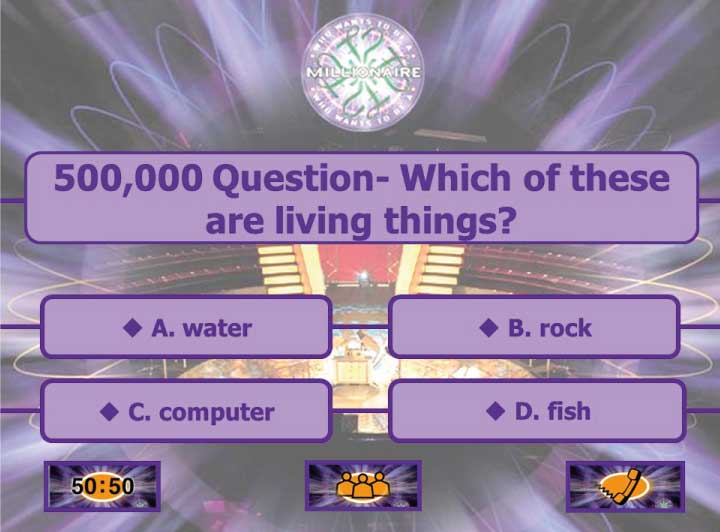
PowerPoint Presentation Templates with 37 Slides for Comprehensive Lessons
The 37-slide structure of these powerpoint presentation templates ensures that teachers have enough content to create full lessons or engaging review sessions. The slides include an introduction screen, rules of the game, multiple rounds of questions, and final results. The organized layout gives students a clear sense of progression, mirroring the excitement of advancing through levels in a real game show. Teachers may also remove or duplicate slides depending on classroom needs.
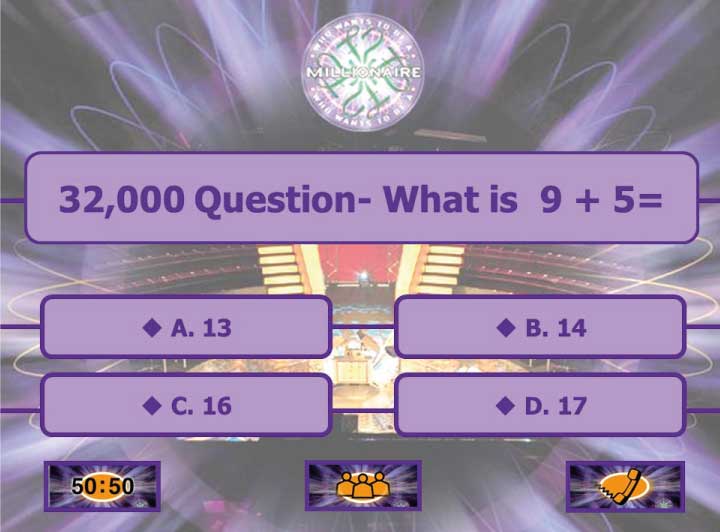
PowerPoint Presentation Templates That Encourage Classroom Participation
Using these powerpoint presentation templates fosters active participation and teamwork among students. When presented on a smartboard or projector, students can work individually or in groups to select the correct answers. This encourages discussion, critical thinking, and collaboration. The game-show format also builds confidence, as students celebrate correct answers and learn constructively from mistakes. The fun atmosphere helps reduce performance anxiety during assessments.
Presentation Templates for Teachers: Ready-Made Multiple-Choice PowerPoint
PowerPoint Presentation Templates Suitable for Both Classroom and Online Learning
One of the strengths of these powerpoint presentation templates is their suitability for all learning environments. They can be used in traditional classrooms, during online lessons, or in hybrid settings. Teachers can share their screens during virtual meetings, allowing students to interact verbally or through chat. The template’s clear visuals and simple navigation make it perfect for remote learning, ensuring that students remain engaged even outside the physical classroom.
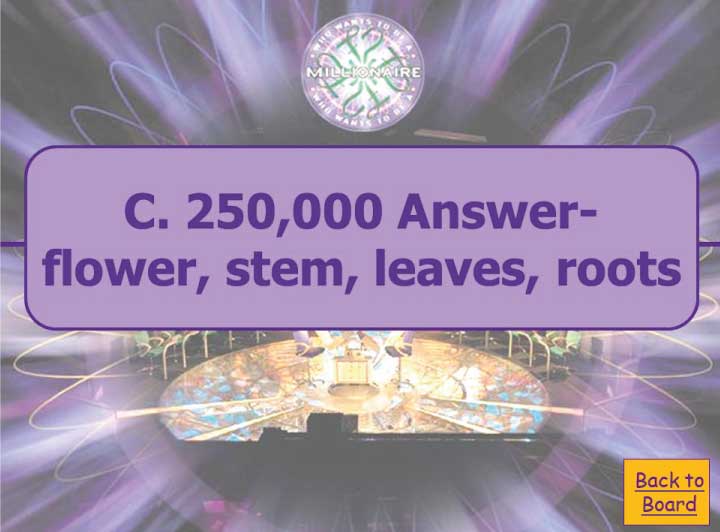
These 37-slide powerpoint presentation templates offer a dynamic, interactive, and highly customizable educational game inspired by “Who Wants to Be a Millionaire.” They provide teachers with an effective tool for transforming lessons into exciting learning experiences that motivate students, enhance understanding, and promote teamwork. Whether used for quizzes, revision, or enrichment activities, this template brings fun and energy to the classroom, making learning memorable and enjoyable for children.